
BLE Tracker

LNCOON Support
Official product manuals, installation guides, command lists, and app documents for LNCOON devices.
No matching manuals found. Try a model name such as D49, JC400, AT1, or contact support.
GPS Trackers
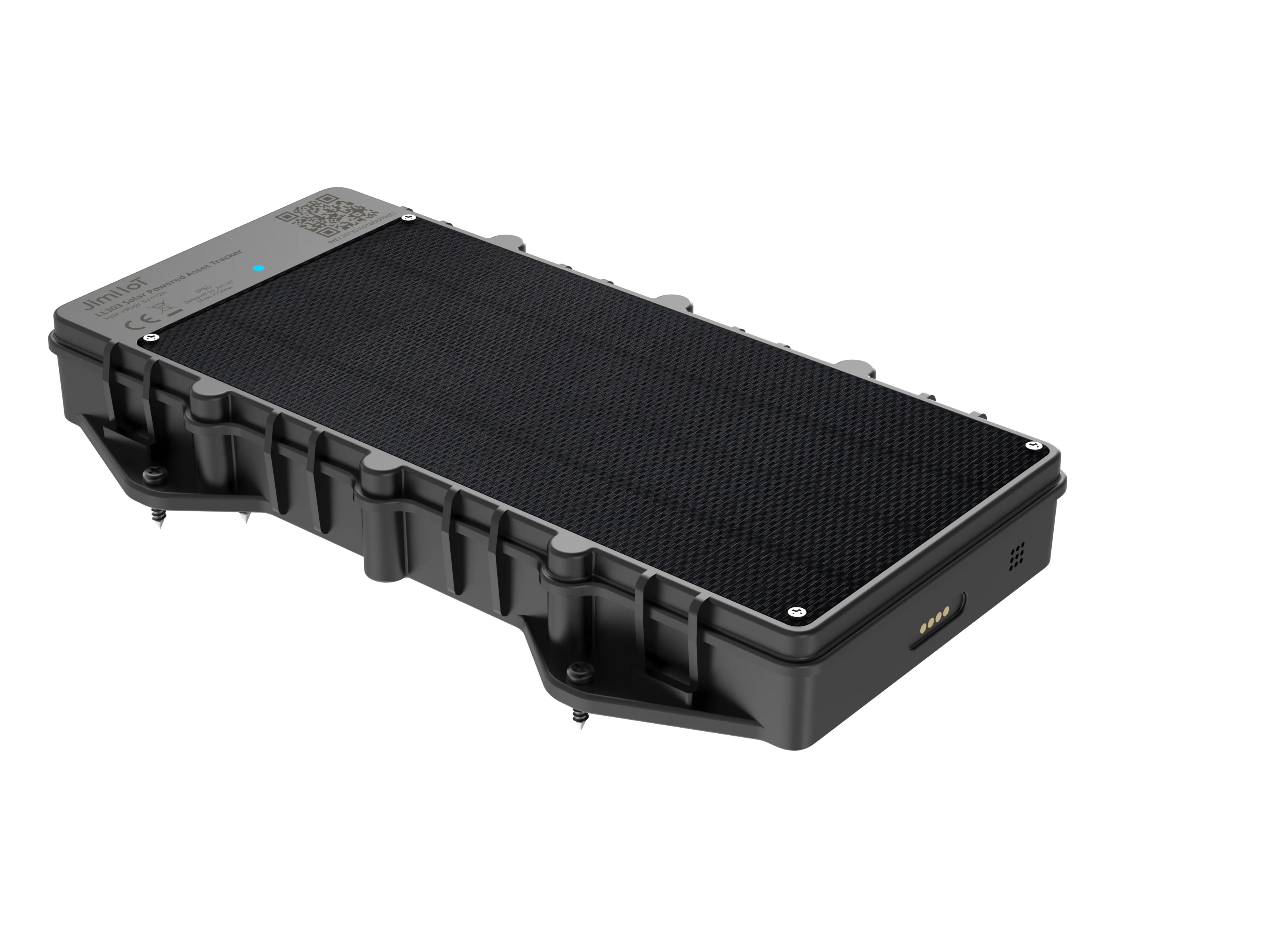
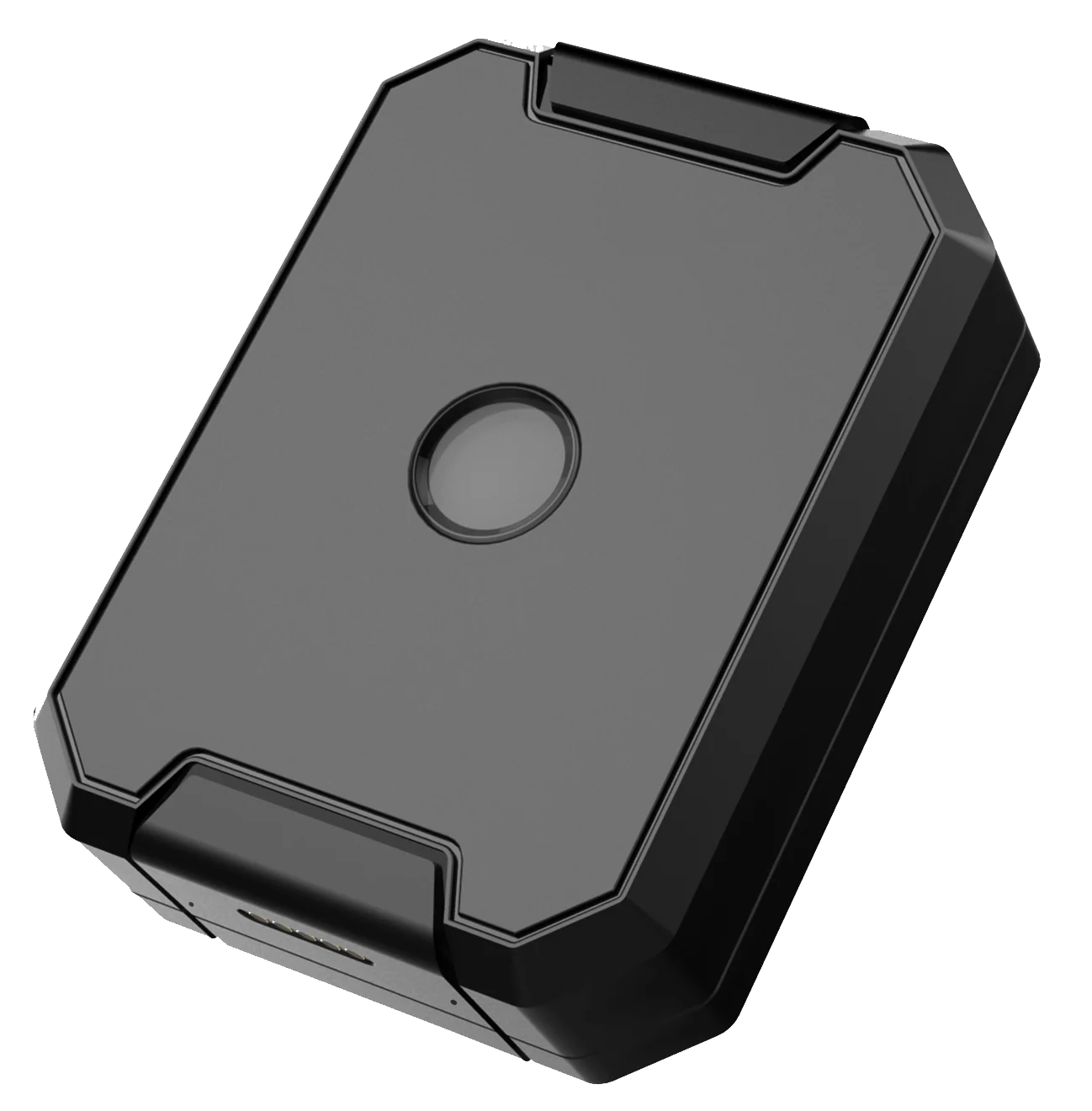
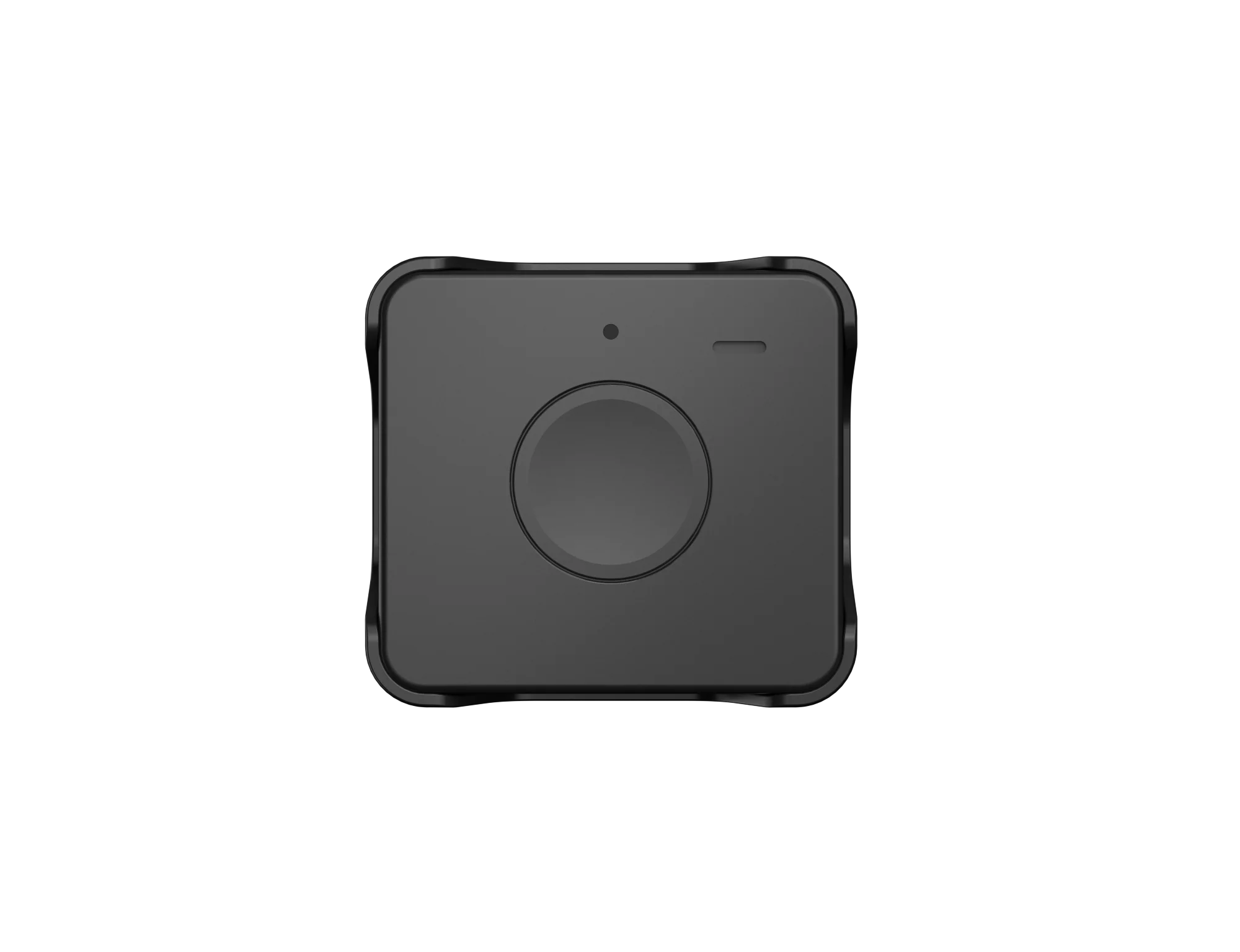
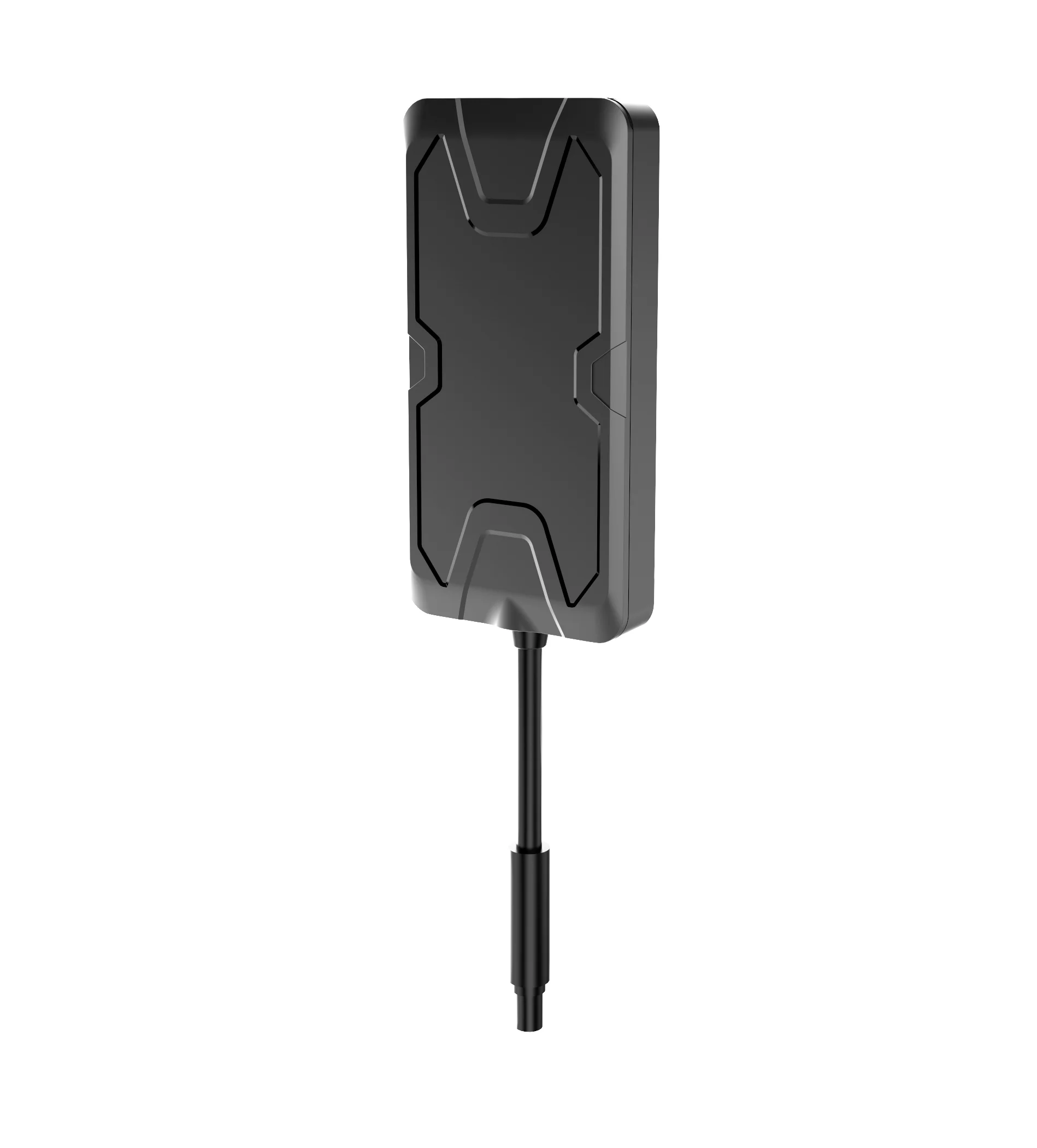
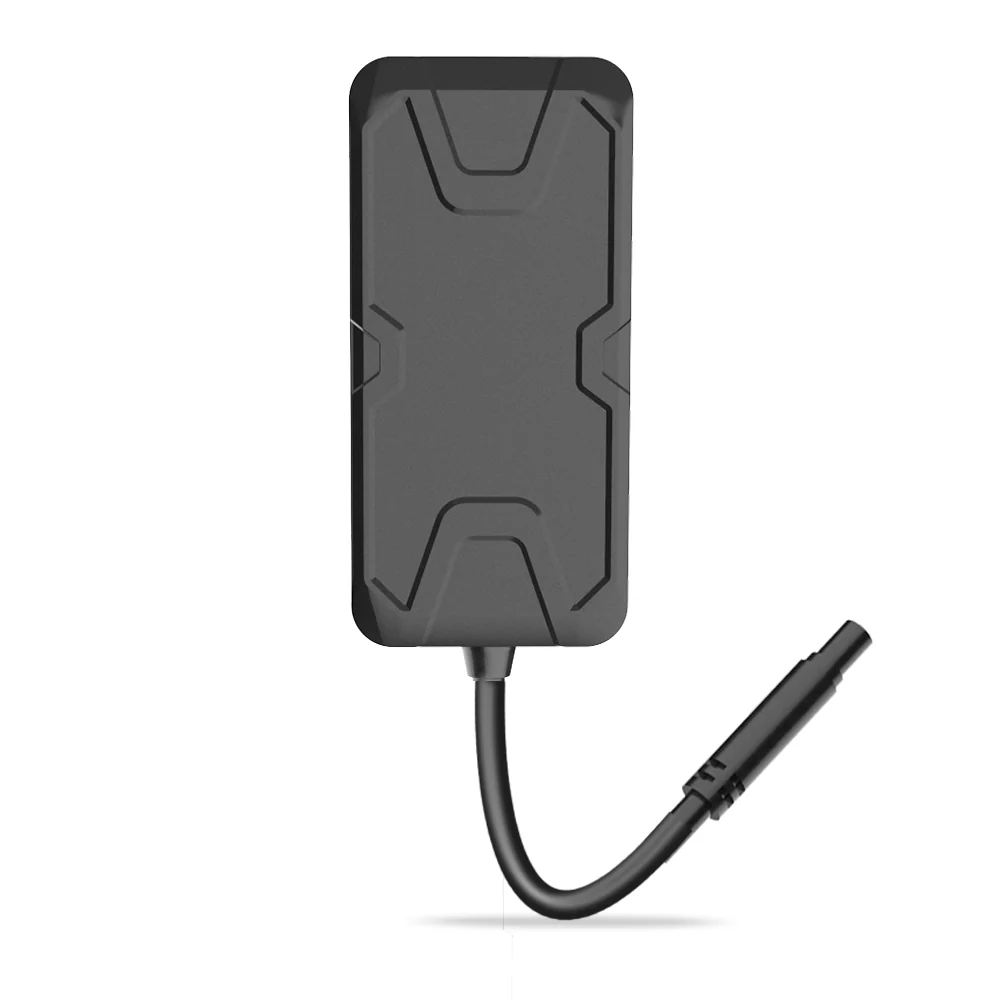
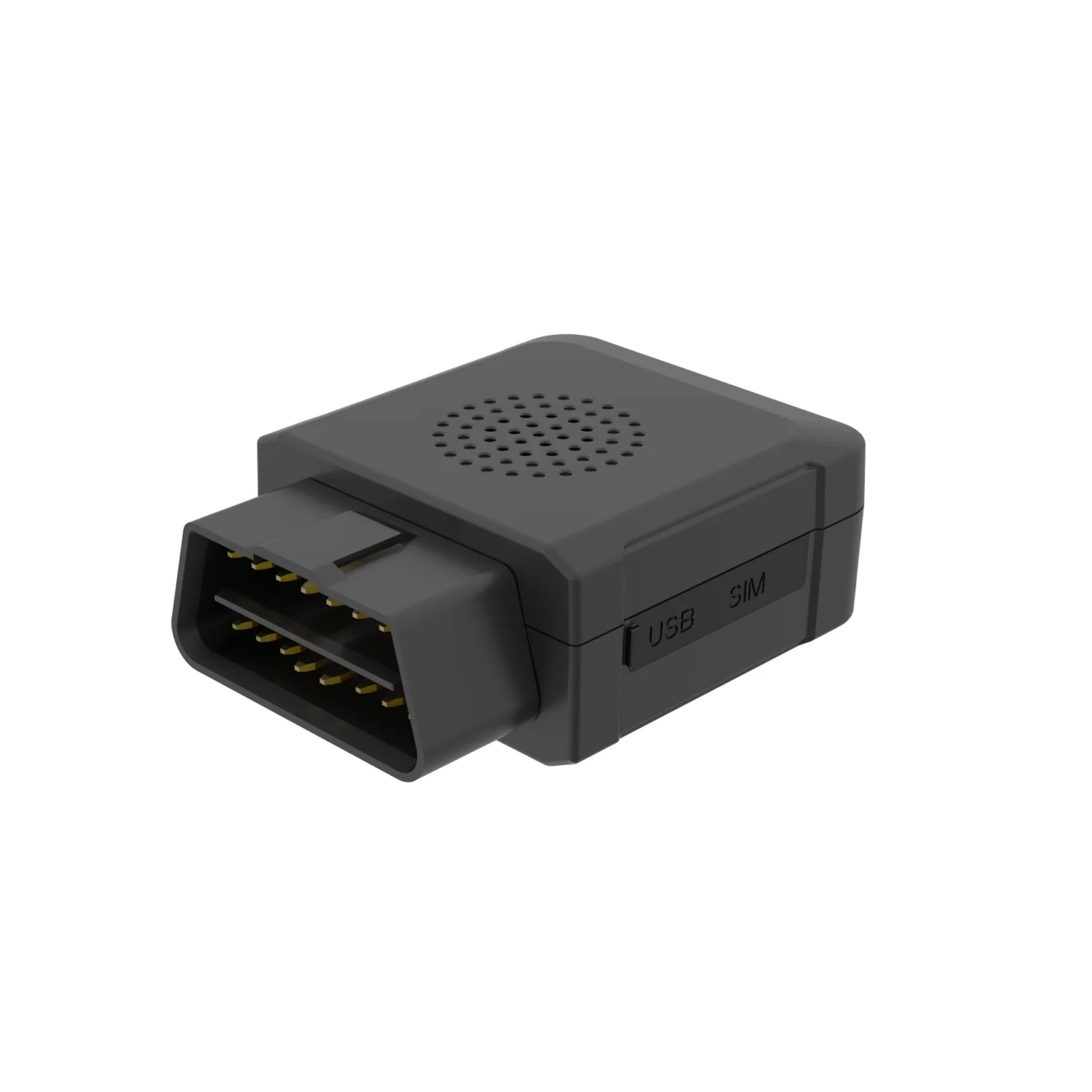
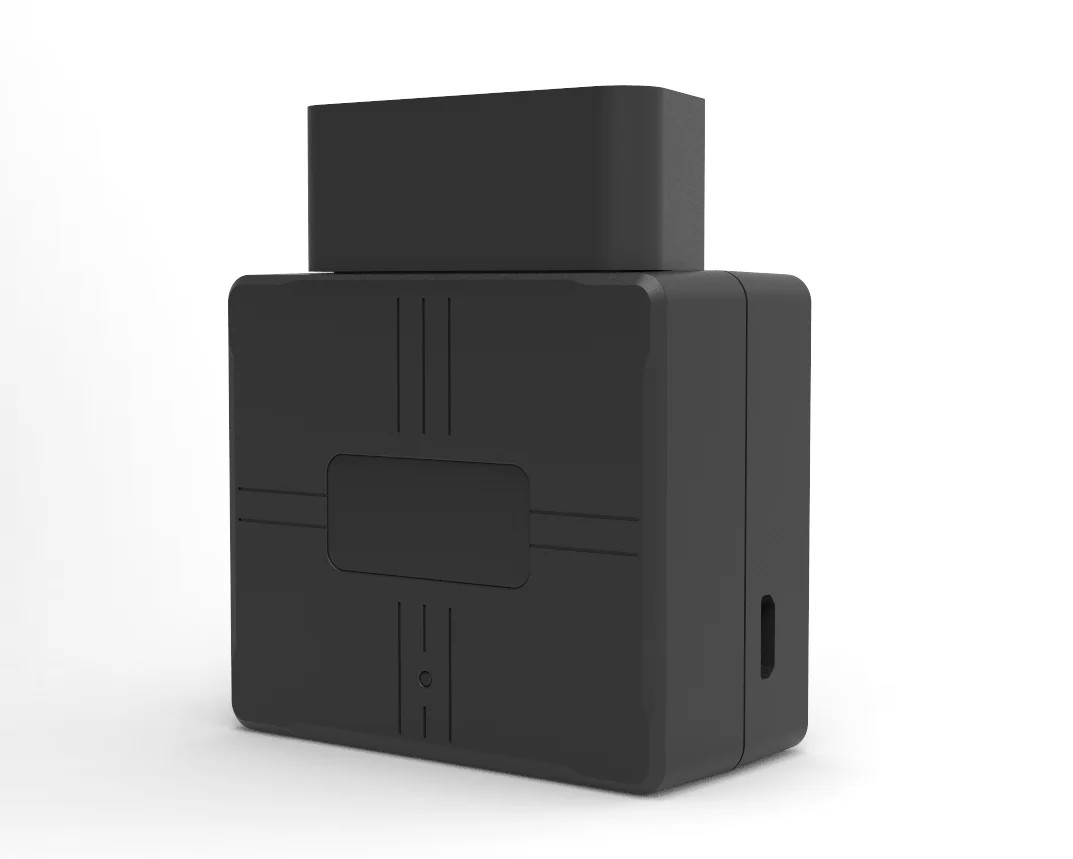
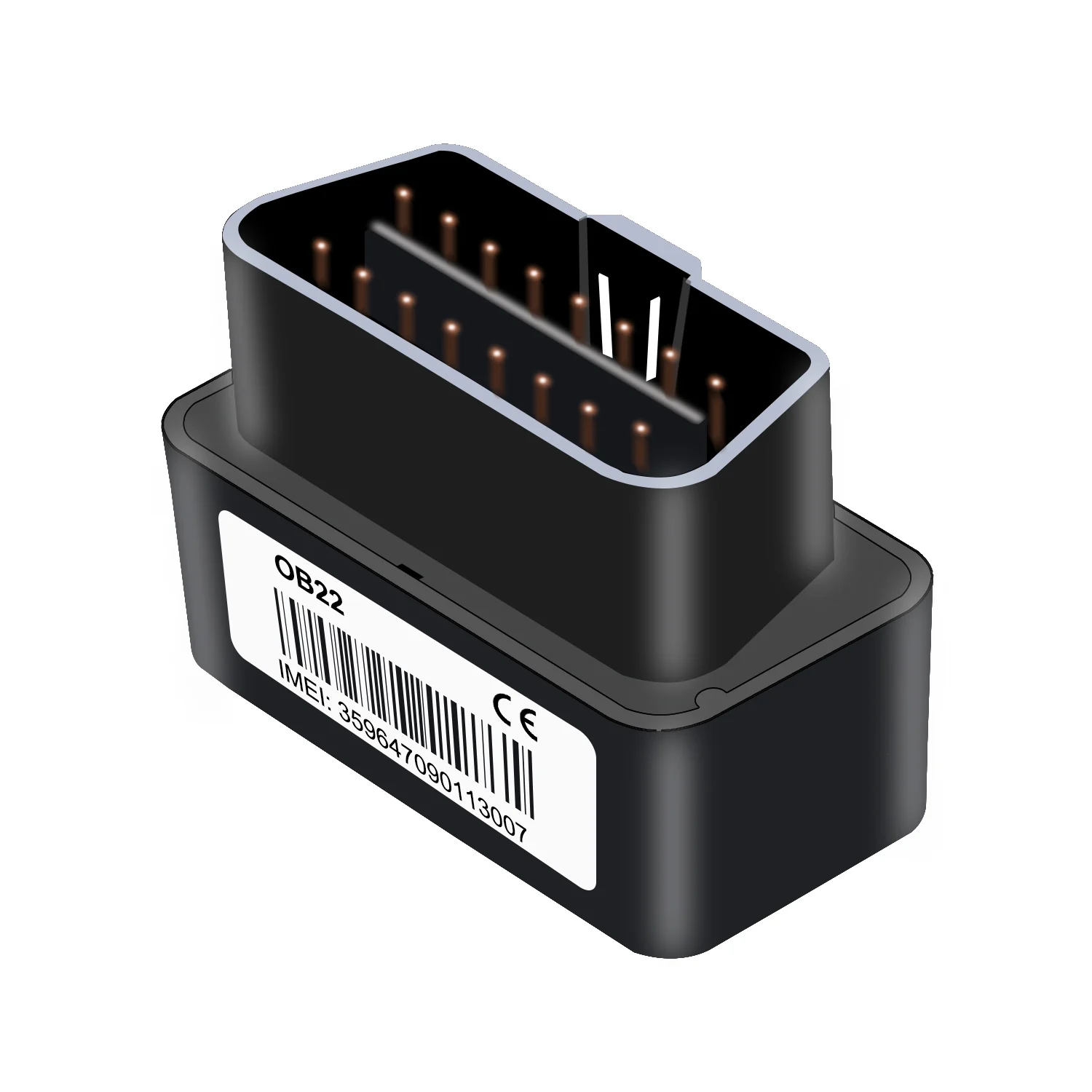
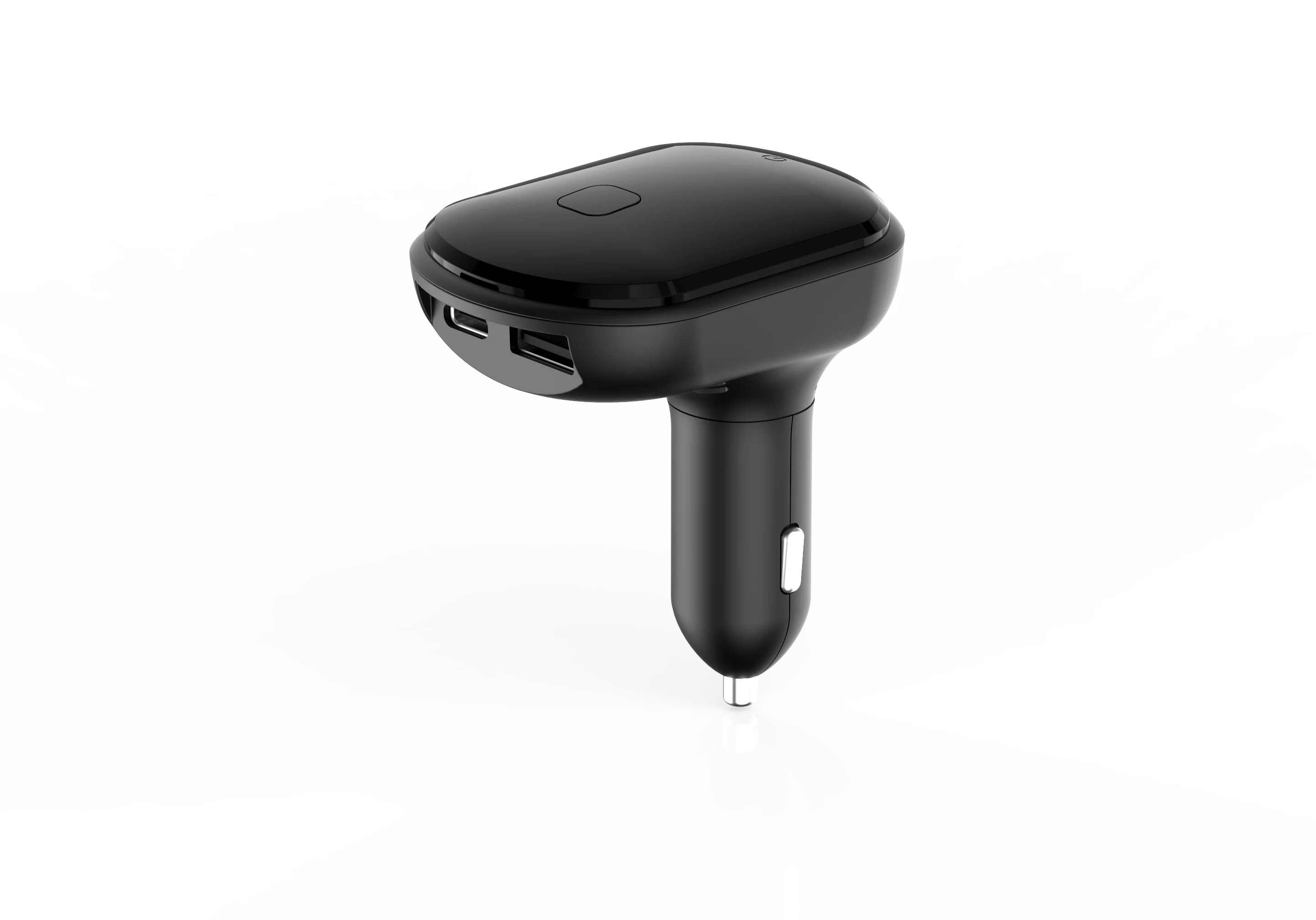
Manuals, app guides, command lists, and support documents for LNCOON tracker products.
Dash Cameras
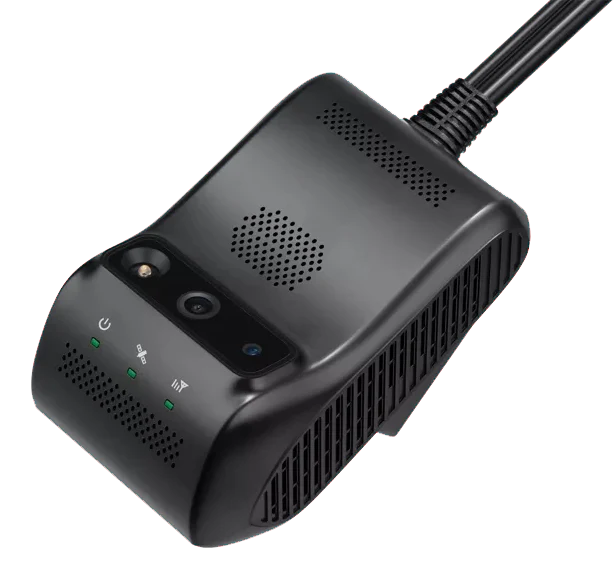
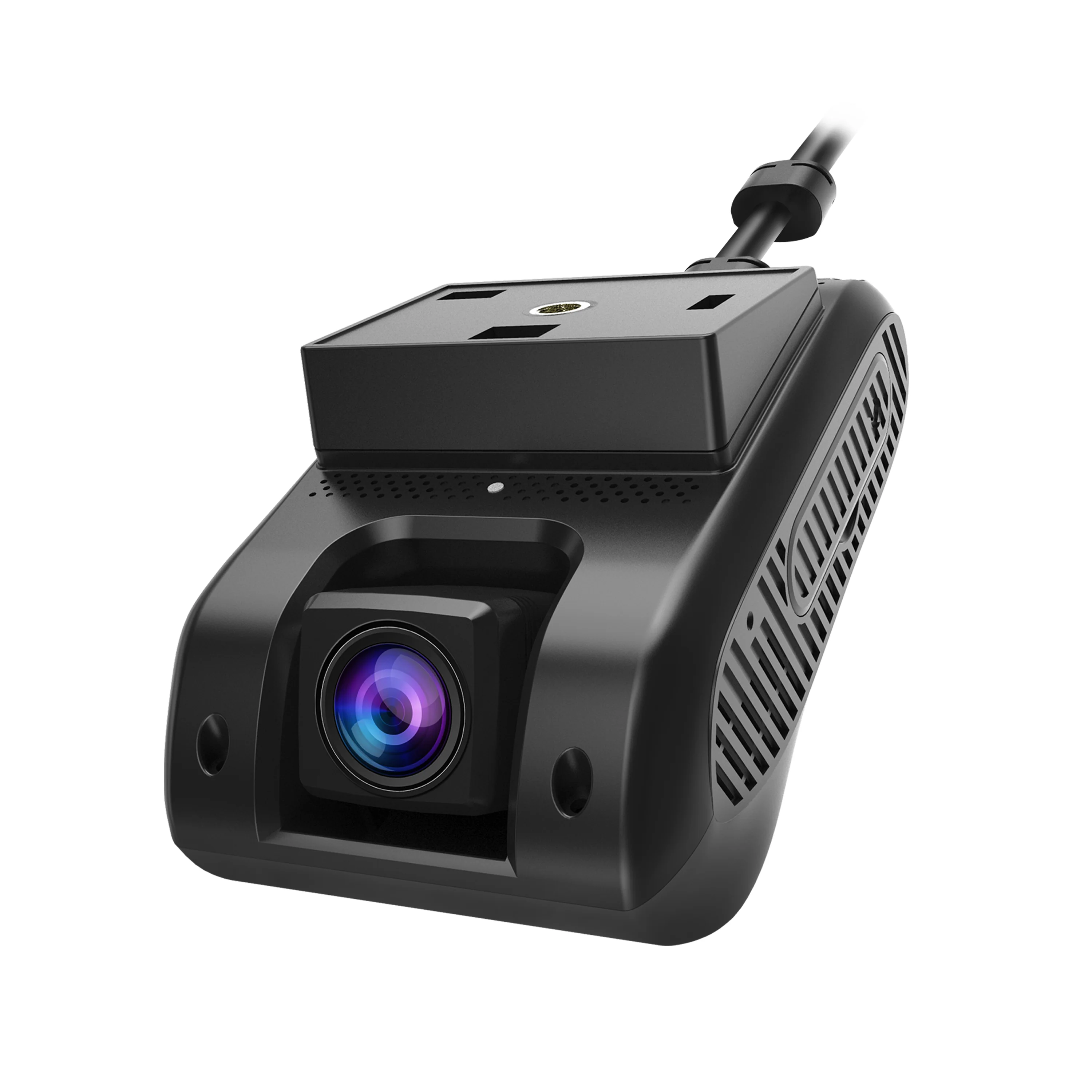
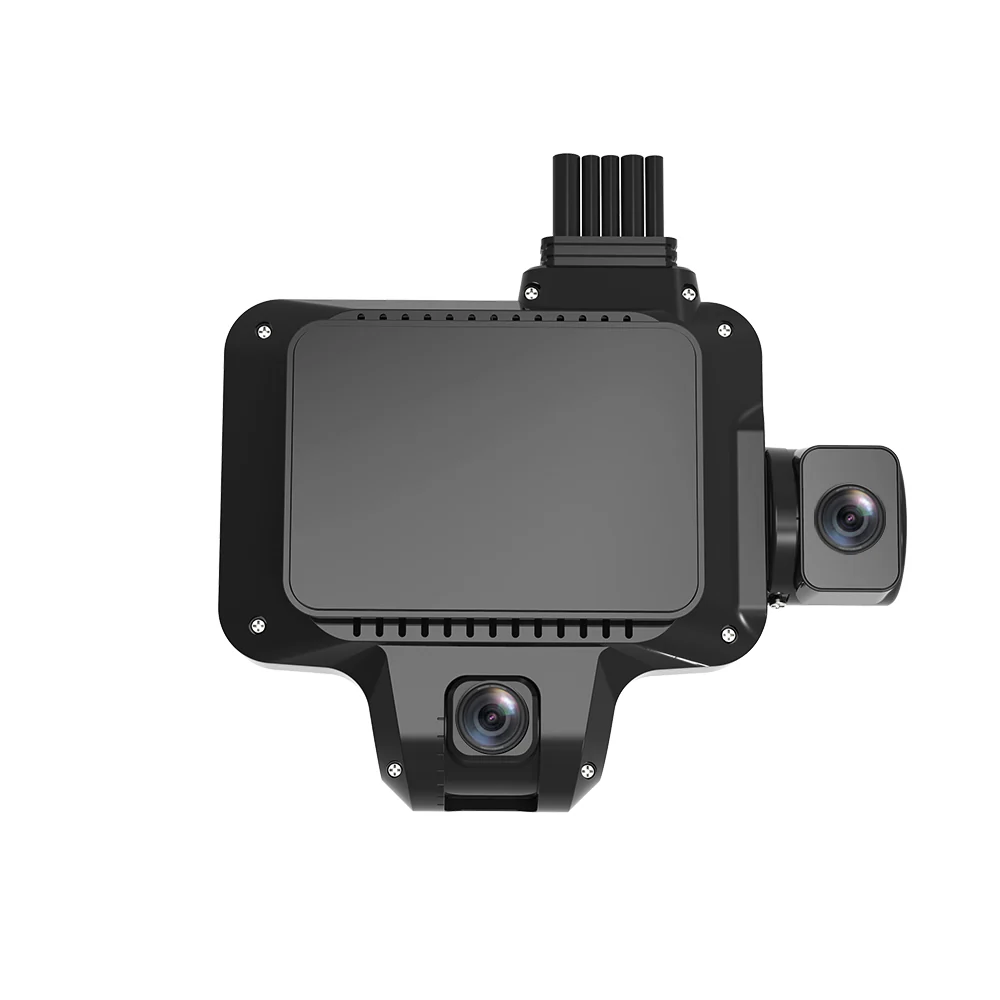
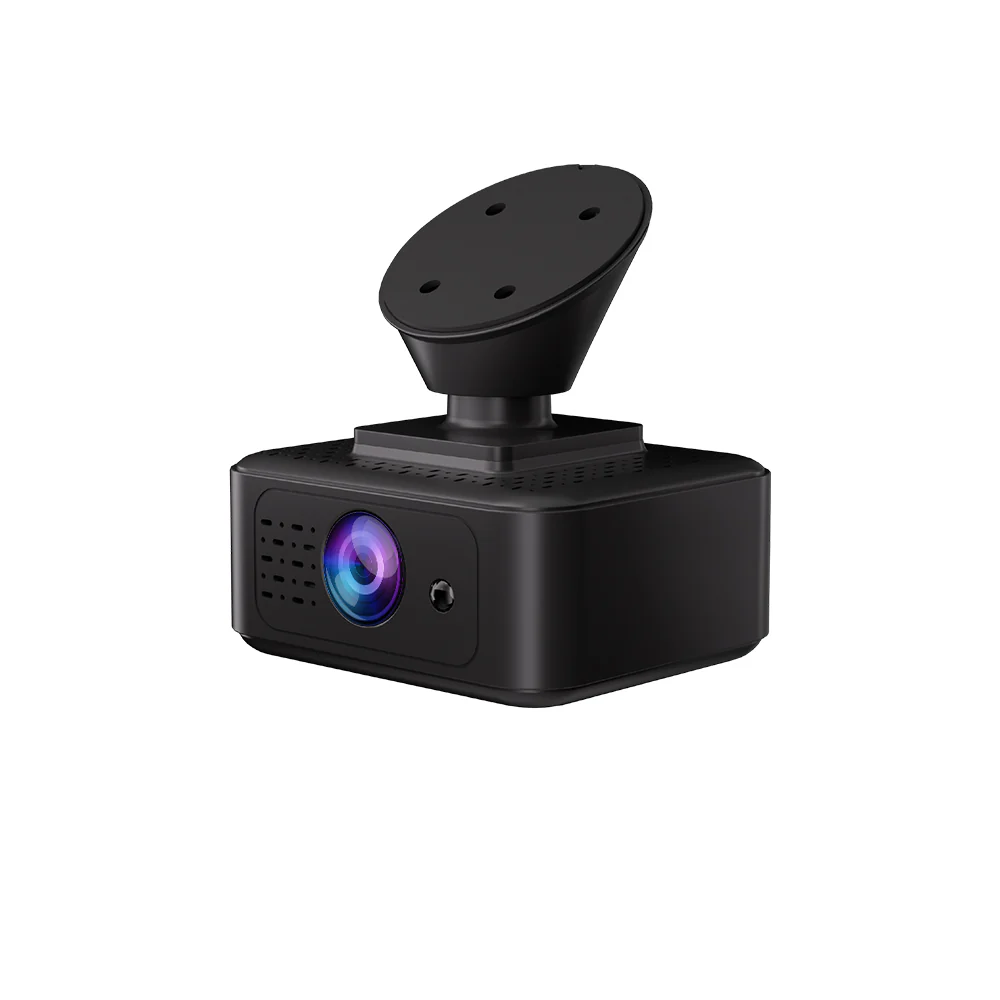
User manuals, installation documents, and command lists for LNCOON dash camera products.
Subscribe to our emails
Need product help? Send your question, device model, and IMEI number when technical support is needed.
FAQ
Quick answers for manual lookup, account sharing, and GPS tracker offline issues.
If you can't find your device's user manual, contacting human customer service is a reliable solution.
After you complete registration in the APP and bind your GPS tracker, you can track the location information of the GPS tracker in real time. You can also share it with others, and they can synchronously view the relevant tracker data.
Follow this troubleshooting process in order for efficient problem localization:
If the issue persists, provide your device's IMEI number to receive technical support.
GPS trackers work by receiving radio signals from satellites. These signals require unobstructed straight-line transmission and have poor penetration. Any obstruction can cause problems.
Simply put, open areas let the tracker receive satellite signals smoothly, fundamentally resolving offline and weak signal issues.